Learning ethical hacking becomes easier when you choose a platform that matches your current knowledge and gives you a clear next exercise. Some services teach the fundamentals step by step. Others expect you to investigate a target independently, solve a puzzle or write code.
This guide explains 12 cybersecurity learning platforms, what each is useful for and a sensible first step for a beginner. You do not need to work through the entire list: choose one main learning environment, build a routine and add another resource when you have a specific skill to practise.
Quick starting point: For guided foundations, look at TryHackMe, Hackviser, HTB Academy or Hack Smarter’s introductory courses. For free challenge-based practice, explore CyLab Security Academy and Hacker101. For focused web security, consider PentesterLab, then broader application labs such as WebVerse Pro. Maldev Academy and SEKTOR7 fit a later specialization in Windows and offensive programming.
About this guide: Public platform pages and course information were reviewed on November 4, 2026. The suggested starting points are DaySec’s editorial judgment based on those materials, not a scored hands-on comparison of every service. Access models and availability can change; check the linked platform before paying. Screenshots were supplied for this article.
In this guide
- Choose by the skill you want to learn
- Guided learning and foundations
- CTFs and challenge-based learning
- Focused web security practice
- Windows and offensive coding specializations
- A practical first-month learning plan
- How to turn solved labs into useful skills
First, understand the learning formats
A guided lab explains a concept and gives you an exercise to try. A Capture the Flag challenge, or CTF, asks you to solve a security problem and submit a hidden answer called a flag. A practice machine gives you a target to investigate, often with less explanation. A specialist course develops one area in greater depth and may assume programming or operating-system knowledge.
CTFs are useful for practising technical reasoning, but finding a flag is only one part of security work. In a real assessment, you also explain the cause, demonstrate the impact and describe a fix. Practise only within the targets and rules provided by the platform, or another environment you are authorized to test.
Choose by the skill you want to learn
| Platform | Useful starting focus | Access model at review |
|---|---|---|
| TryHackMe | Guided IT and security foundations | Free rooms; paid plans expand access |
| Hackviser | Warmups, practical labs and scenarios | Free Starter; paid VIP |
| Hack The Box / HTB Academy | Structured modules, then independent labs | Free entry content; paid options vary by product |
| Just Hacking Training | Courses, hack-alongs and focused projects | Free resources plus paid training |
| Hack Smarter | Introductory courses, guided sessions and practical labs | Free content; paid plans and standalone purchases |
| picoCTF / CyLab Security Academy | CTF fundamentals and self-paced challenges | Free learning platform |
| Hacker101 | Web security lessons and CTFs | Free |
| Huntress CTF | Defensive investigation and event challenges | Free event; seasonal availability |
| PentesterLab | Web vulnerabilities and security code review | Free exercises; paid PRO |
| WebVerse Pro | Web application scenarios and vulnerability chains | Free and Pro content |
| Maldev Academy | Windows internals and malware development | Specialist paid course offerings |
| SEKTOR7 | Offensive coding and Windows security | Paid courses and programs |
Use this table to choose a format, then read the relevant section below. A free account may unlock only part of a catalog. Check which lessons, lab environments and access periods are actually included in the option you select.
Guided learning and foundations
1. TryHackMe: a clear route through the basics
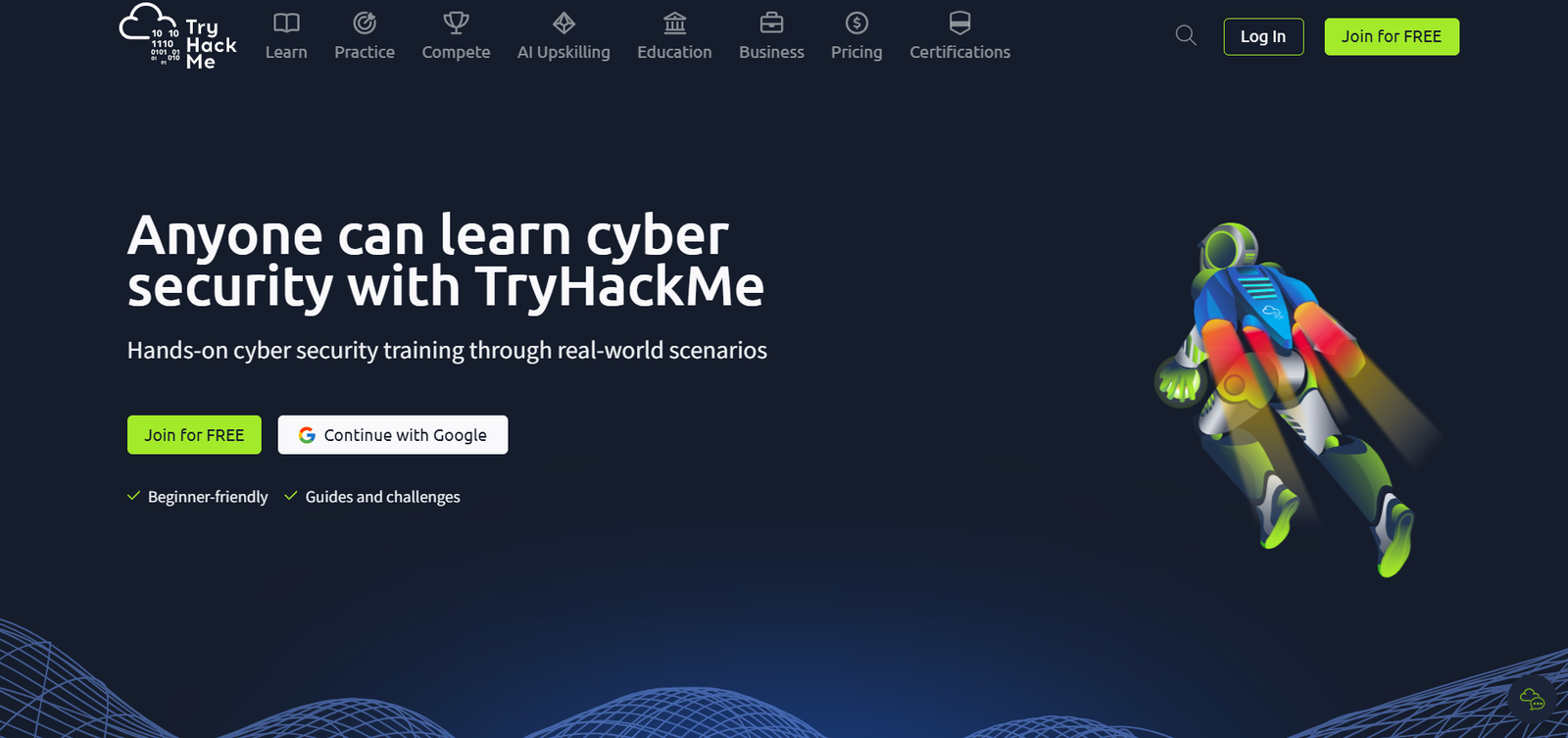
TryHackMe combines explanatory material with practical exercises and learning paths. Its current catalog includes Pre Security and Cyber Security 101, alongside more focused offensive and defensive paths. That makes it a reasonable place to begin if you want lessons to explain what to do before you investigate independently.
Your first step: Pick a foundational path and follow its sequence. Spend time on networking, Linux, Windows and how web requests work. Keep a short note explaining each command or concept in your own words.
Access: The plan comparison distinguishes free rooms from the broader access in paid plans. Try the available material first and check that a paid plan includes the path you want. Move to less-guided exercises when you can explain the steps without reading them line by line.
2. Hackviser: guided warmups and practical scenarios
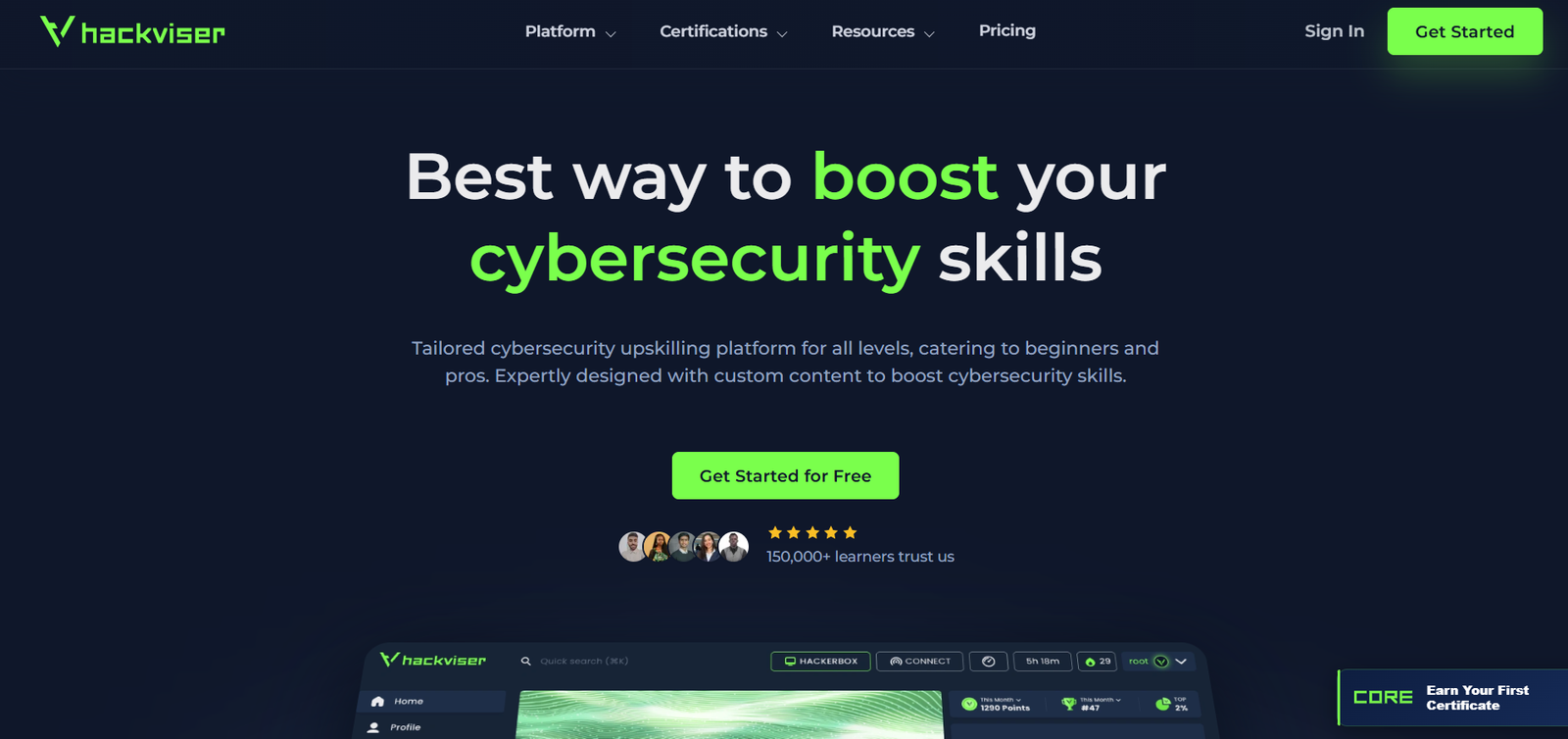
Hackviser offers training, labs, scenarios and a beginner-oriented Warmups section. The platform describes Warmups as a staged introduction to machine hacking, with supporting write-ups. Scenarios add a narrative and can involve different security perspectives.
Your first step: Begin with a warmup and use the explanation to understand the investigation process. After completing it, try the same exercise again with the write-up closed. Record what information led you to the next action.
Access: Hackviser’s pricing page lists a free Starter tier and a paid VIP tier. Check the included warmups, labs and browser environment allowance. This is a useful option to consider when you want to bridge guided lessons and more independent machine practice.
3. Hack The Box: distinguish Academy from the wider lab ecosystem
Hack The Box includes several learning and practice products. For a newcomer, the important distinction is that HTB Academy teaches concepts through modules, examples and exercises, while other parts of the ecosystem emphasize applying skills to targets.
Your first step: Use Academy’s Fundamental content rather than selecting a difficult machine at random. The Getting Started module and foundational operating-system and web-request material provide a more understandable entry point.
Access: Academy offers free Tier 0 modules and uses credits called Cubes to unlock some other content. Compare Academy and lab subscriptions separately; a plan for one product should not be assumed to unlock everything in the HTB ecosystem. Progress to independent targets when you have a repeatable way to enumerate, take notes and test a hypothesis.

4. Just Hacking Training: learn through a course or hack-along
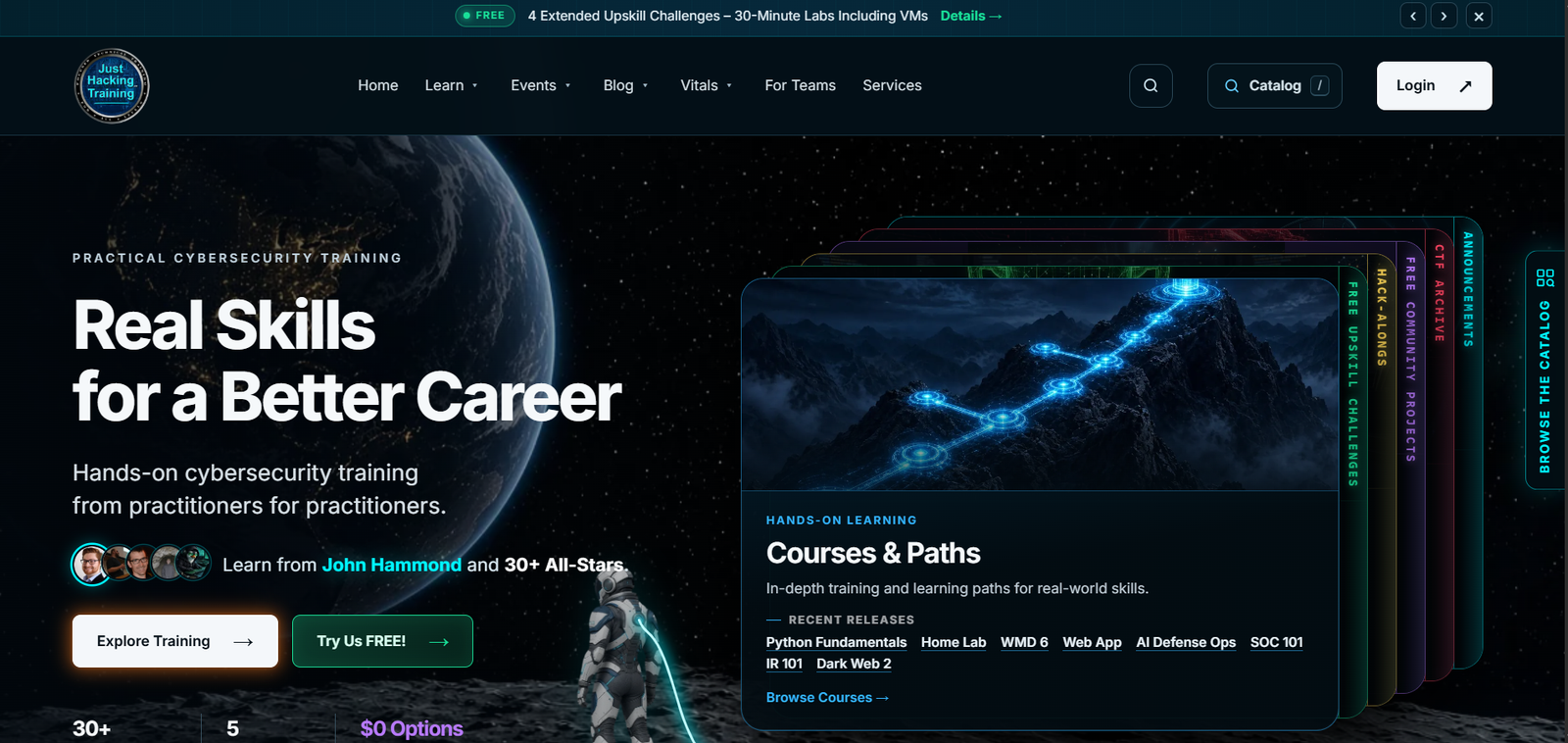
Just Hacking Training offers courses and paths, guided hack-alongs, free upskill challenges, community projects and CTF resources. Its format is useful if you prefer to follow an instructor’s reasoning and then apply it in an exercise.
Your first step: Choose a free introductory challenge or a course matched to a specific gap, such as Python fundamentals or setting up a home lab. Check the stated prerequisites: an advanced tooling course and a beginner introduction serve different needs.
Access: The catalog mixes free resources with paid training. Before purchasing, check the topic, included lab setup and access terms. Use the lesson as a starting point for a small project you can explain and demonstrate afterwards.
5. Hack Smarter: combine a course with practical lab work
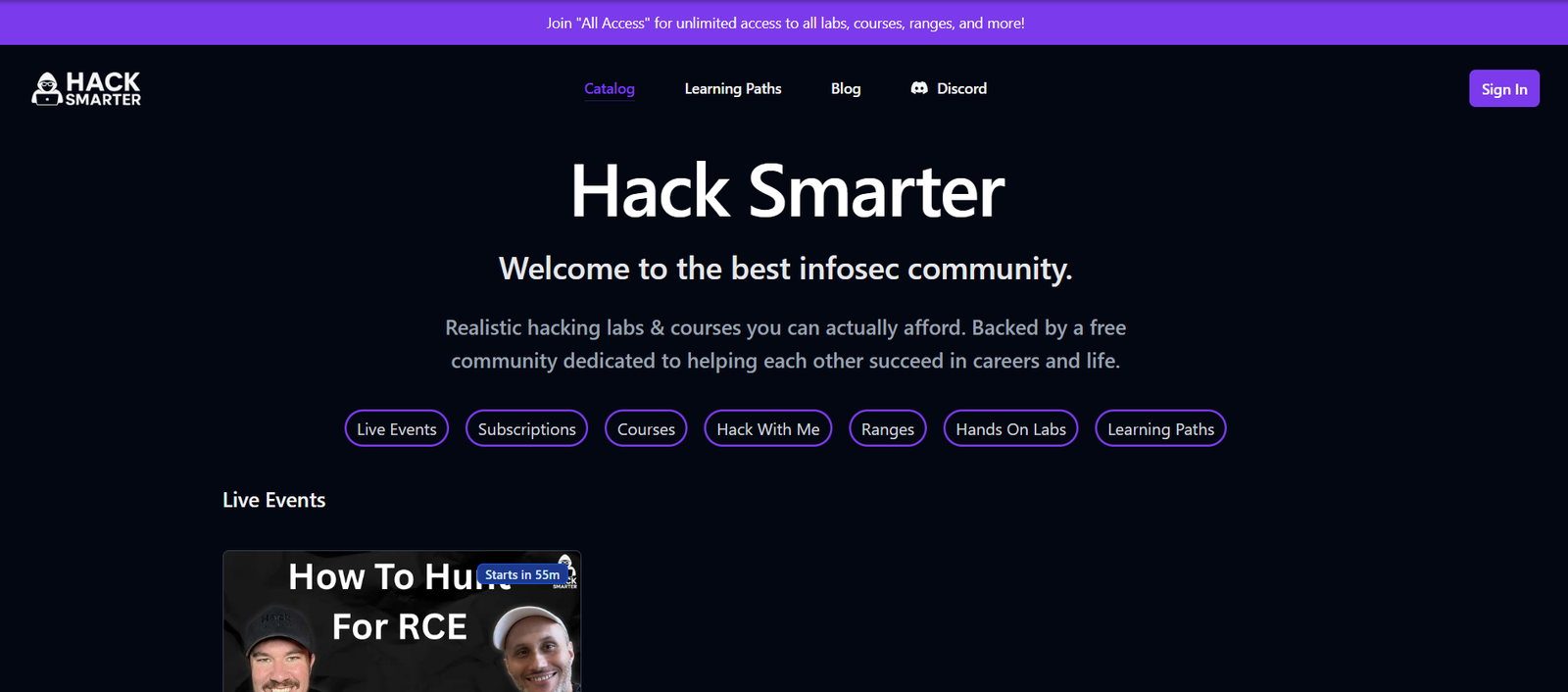
Hack Smarter combines courses, hands-on labs, guided “Hack With Me” sessions and multi-machine ranges. Its learning paths organize material around subjects including web application hacking, Active Directory, Linux, Windows and AWS. This makes it an option when you want a course to lead into practical exercises.
Your first step: Start with the free Foundations of Ethical Hacking mini-course or the platform introduction, then choose an easy lab matched to what you have studied. Follow a learning path to keep your next exercise connected to your goal.
Access: Free content is available alongside subscriptions and standalone purchases. Check the plan boundaries: Hands-On Labs, Labs and Courses, and All Access include different material; ranges are included in All Access. Match the plan to the course or lab you intend to use.
CTFs and challenge-based learning
6. picoCTF and CyLab Security Academy: free practice with a new home
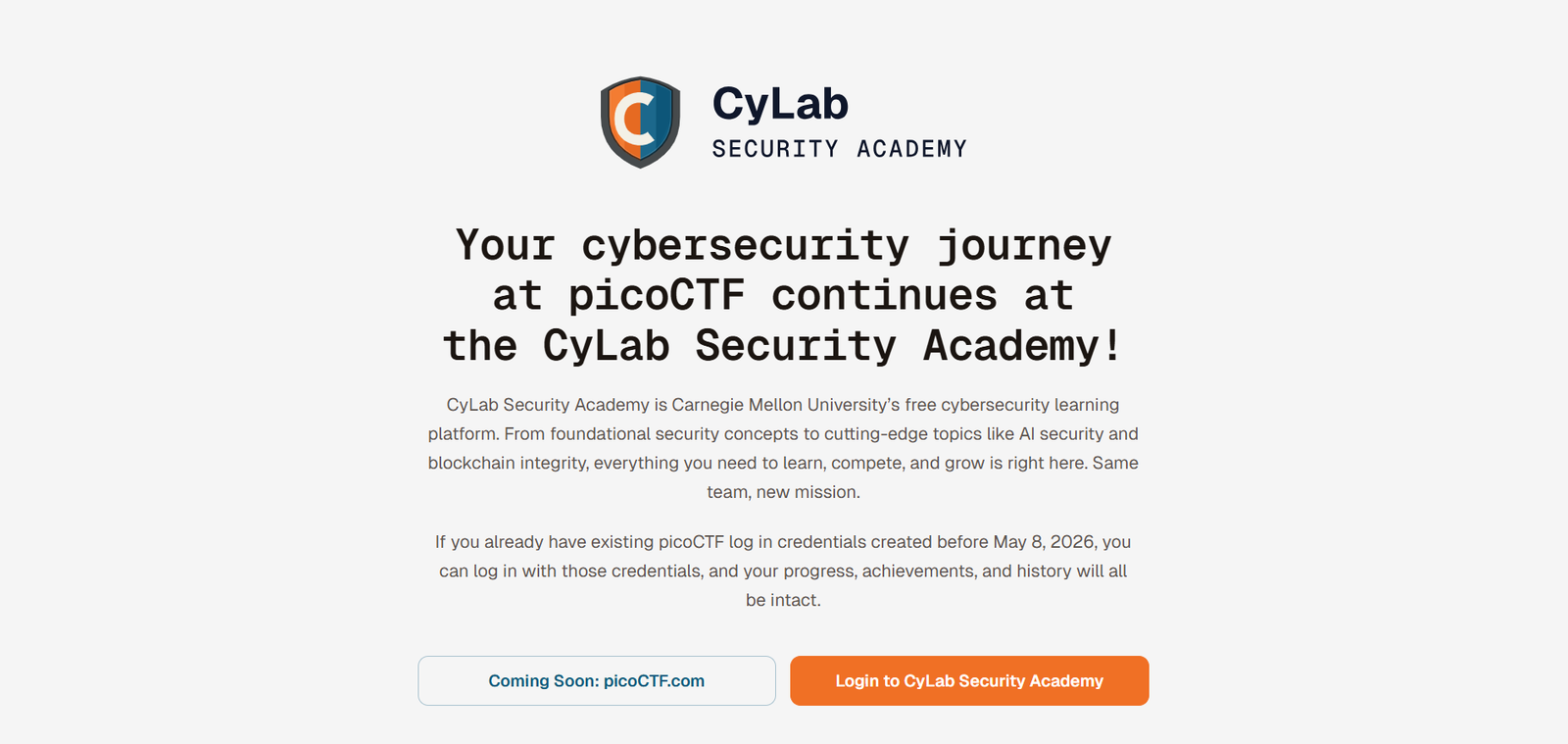
If you know the name picoCTF, start by noting the current transition: picoCTF.org now directs learners to CyLab Security Academy, Carnegie Mellon University’s free cybersecurity learning platform. The transition notice says qualifying existing accounts retain their progress and history.
CyLab Security Academy offers self-paced challenges, learning paths and events, covering areas such as general skills, web exploitation, cryptography and forensics. Your first step: Start with general-skills challenges and an introductory path. Learn to inspect files, navigate a terminal and interpret what a challenge is asking before chasing harder puzzles.
Access: The Academy describes its learning platform as free. Use the current links rather than assuming every older picoCTF tutorial reflects today’s navigation. Treat each challenge as a chance to understand one technique, then write down how you recognized when to use it.
7. Hacker101: a free introduction to web security
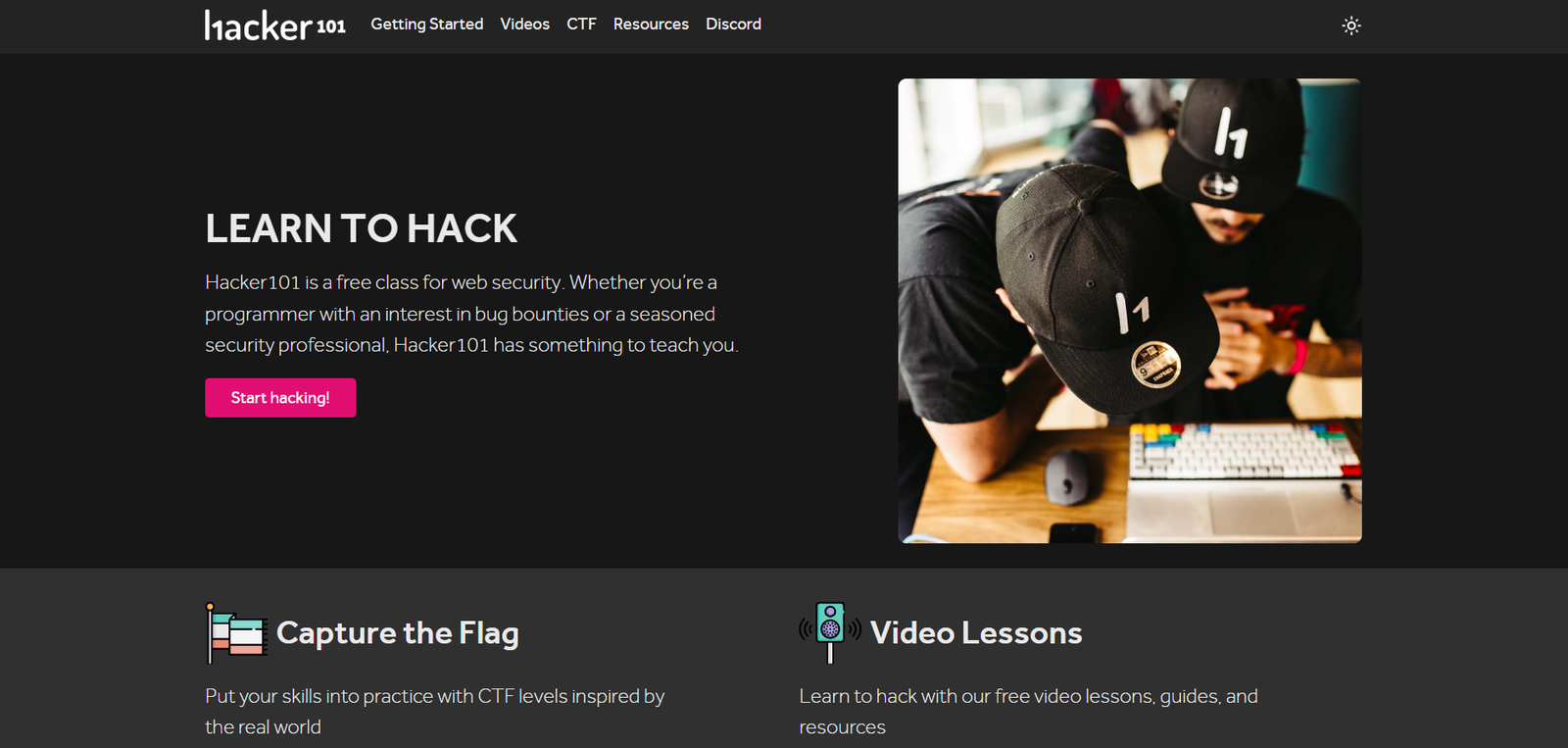
Hacker101, powered by HackerOne, pairs free web security classes and resources with CTF levels. It is especially relevant if your interest is how websites and web applications can fail.
Your first step: Learn the basics of HTTP requests, responses, cookies and sessions, then watch an introductory lesson and attempt a related CTF level. When an exercise is difficult, identify the missing concept before reaching for a complete solution.
Access: The lessons and CTF are offered as free learning resources. Use them to develop web security understanding; completing a challenge does not itself establish readiness to test a real bug bounty program. Real programs have their own scope, reporting expectations and permitted techniques.
8. Huntress CTF: an event with a defensive focus
Huntress CTF is an event-based learning opportunity rather than a permanent, sequential beginner course. Huntress describes challenges involving malware analysis, incident response, threat hunting, cyber threat intelligence and general security. These areas teach you to investigate evidence and explain what happened.
Your first step: Read the event’s FAQ and rules, then choose an introductory challenge when access is available. For a beginner, a useful goal is understanding one file, artifact or log trail rather than maximizing leaderboard points.
Availability: Huntress describes its CTF as a free annual October event. At this guide’s November 4 review, the landing page still promoted October 2026. Verify current registration, challenge and archive access directly; this article does not assume the competition is still running or that past challenges remain accessible.

Focused web security practice
9. PentesterLab: understand vulnerabilities and their code
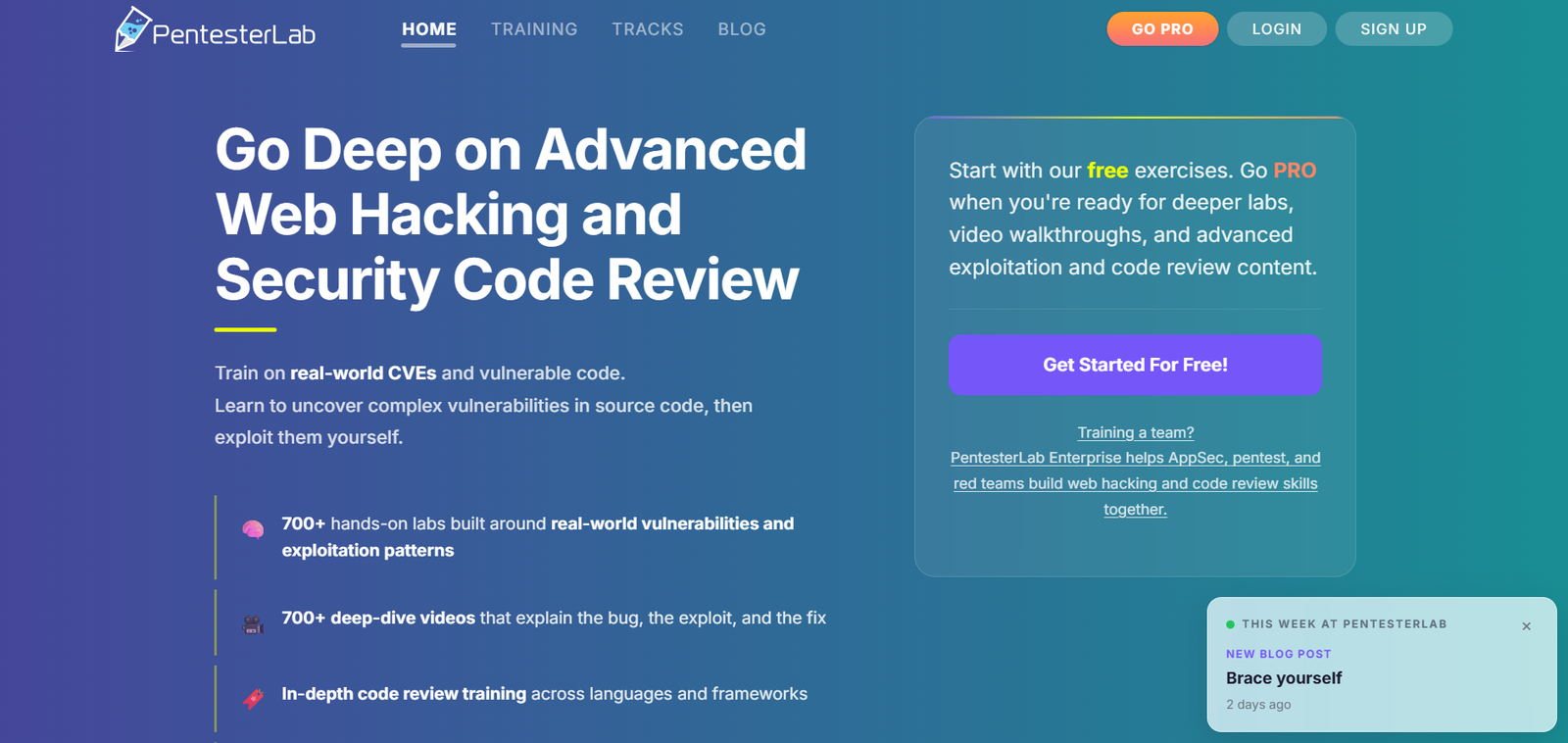
PentesterLab focuses on web exploitation and security code review. Its material connects vulnerable behavior with the implementation behind it, including exercises based on real vulnerabilities. This is a useful direction when you want to understand why an exploit works and how the bug should be fixed.
Your first step: Look at the Bootcamp and free exercises, then choose foundational material that matches your current level. Learn to read requests and small code snippets before selecting an advanced authentication or deserialization exercise.
Access: Free exercises are available, with deeper content through PRO. After a lab, explain the untrusted input, the vulnerable operation, the observed result and a suitable remediation. This turns a solved exercise into the kind of technical reasoning useful in web pentesting and application security.
10. WebVerse Pro: practise connecting web vulnerabilities
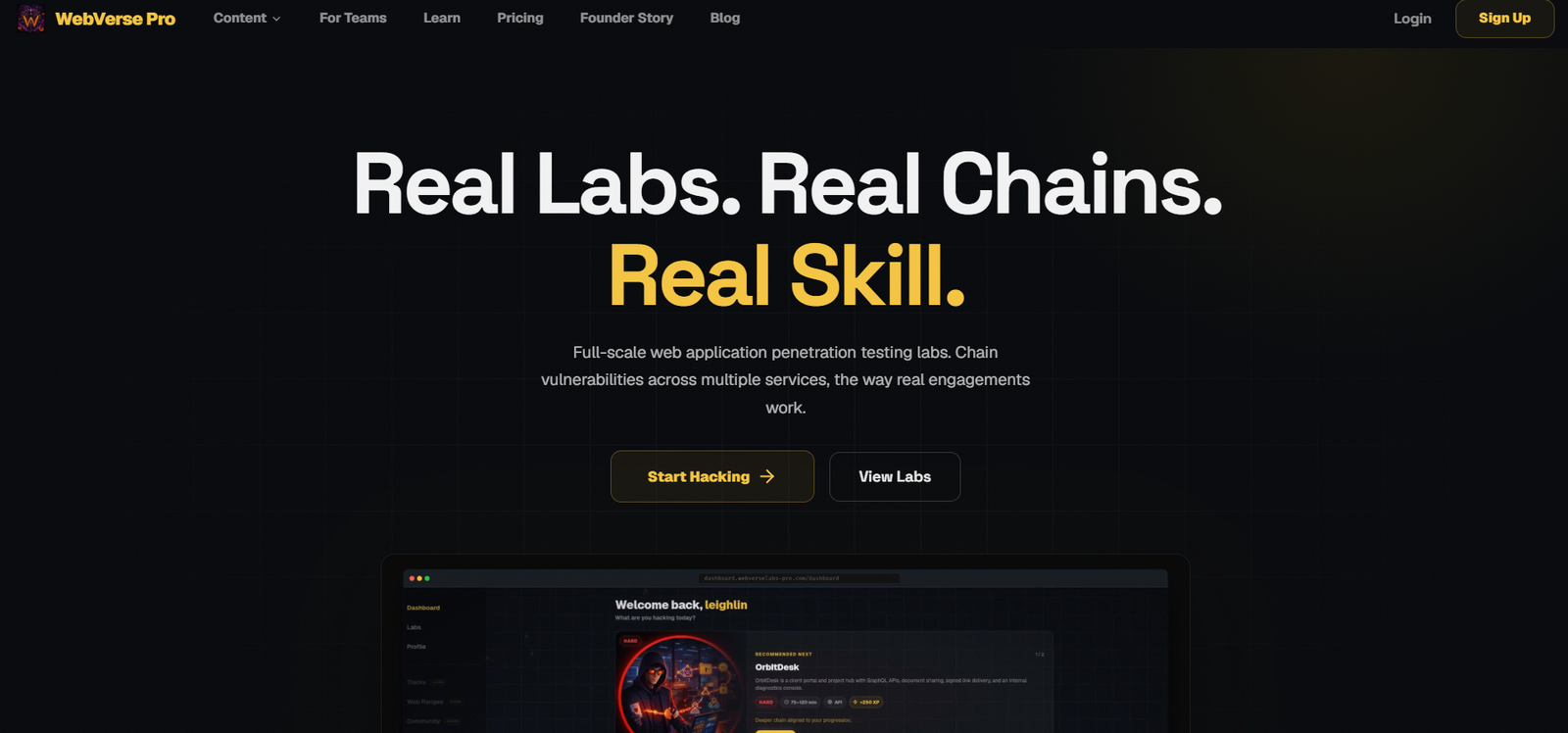
WebVerse Pro presents web application labs built around company-style scenarios, alongside smaller challenges focused on individual vulnerability classes. Its full labs emphasize chaining issues across services and navigating application functionality.
Your first step: If web testing is new to you, choose an introductory challenge and read its difficulty and skill description. Move to a full scenario once you can inspect requests, understand authentication state and keep track of the application’s features.
Access: The site distinguishes free and Pro content; check its current access options. For broader labs, aim to produce a small application map and a clear explanation of the chain you found. A scenario becomes more useful when you can describe how one weakness enabled the next.
Windows and offensive coding specializations
The next two platforms can be valuable, but their beginner material starts within a specialist subject. A beginner in malware development may already know programming, debugging and operating-system fundamentals. Build that foundation before choosing a course based only on its title.
11. Maldev Academy: a specialist programming direction
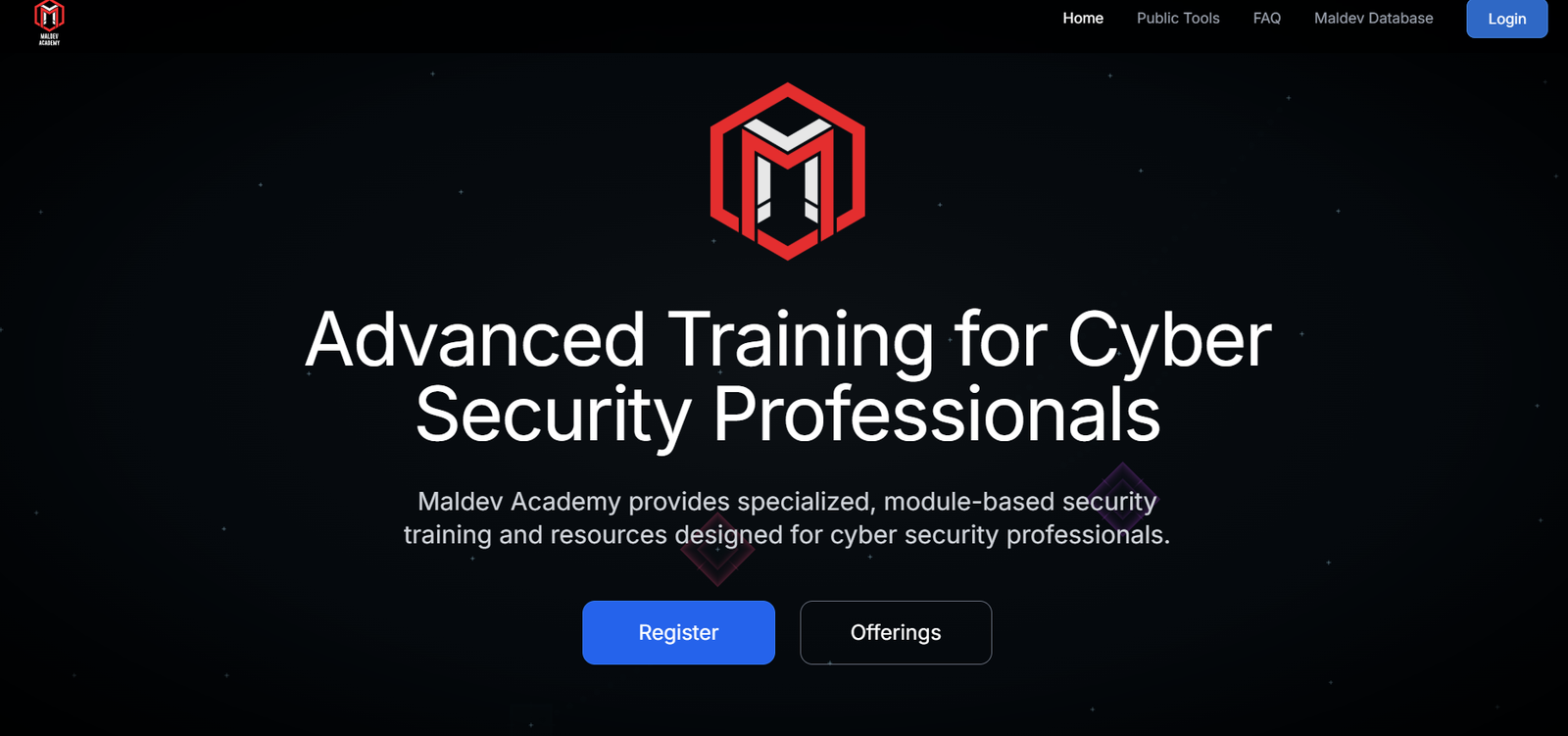
Maldev Academy provides module-based security training. Its Malware Development course progresses from introductory to advanced techniques and covers Windows internals and the implementation of offensive software.
The course recommends familiarity with C, Visual Studio and basic Windows internals. Your first step: If those are unfamiliar, first learn to compile a small C program, debug it and understand basic process and memory concepts. Then review the course syllabus and hardware requirements.
Access: Check the course’s pricing and included materials before purchase. Choose it when you specifically want to study malware development and related security mechanisms in a controlled lab; a general web-pentesting learning path serves a different goal.
12. SEKTOR7: offensive coding and Windows security training
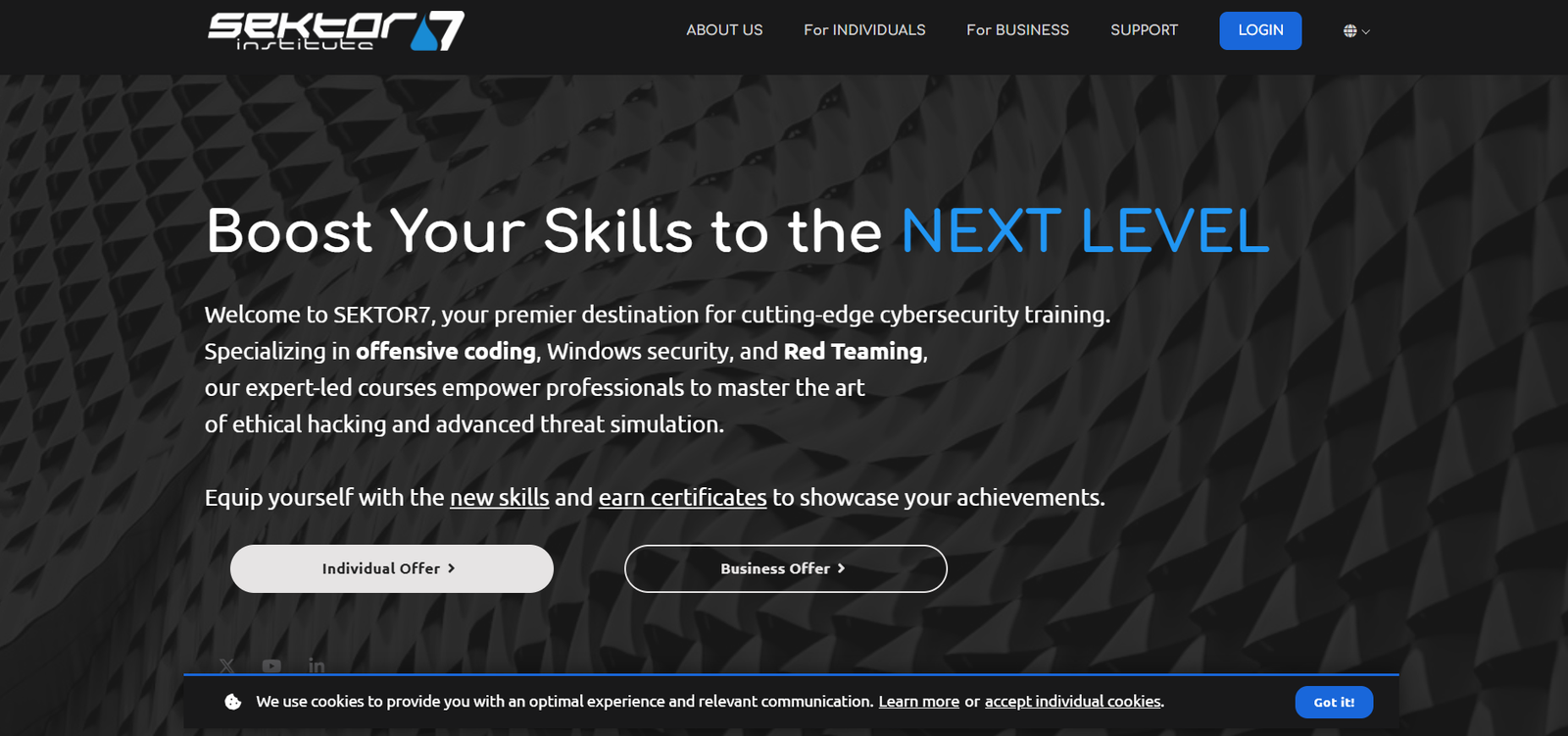
SEKTOR7 offers specialist courses in offensive coding, Windows security and red team topics. Its Malware Development Essentials course describes prerequisites including operating-system knowledge, some Windows experience and basic C and Intel assembly knowledge.
Your first step: Read the prerequisites and syllabus of the exact course you are considering. Check that you can use its virtual-machine environment and follow the programming examples before committing to a larger program.
Access: Compare the individual offerings and their current terms. This is a specialization route for understanding and building offensive tooling, and for studying the mechanisms defenders need to recognize. It is a later choice if your immediate goal is learning networking or your first web vulnerability.
A practical first-month learning plan
Treat the following as a suggested routine, not a fixed deadline. If you need longer on a topic, repeat it. Three or four focused sessions each week are enough to begin building a useful habit.
| Stage | Focus | A concrete result to aim for |
|---|---|---|
| Week 1 | Foundations on one guided platform | Navigate a terminal, describe an IP address and port, and explain a basic web request. |
| Week 2 | Small challenges alongside your lessons | Solve several introductory exercises and record the reasoning behind each. |
| Week 3 | Choose one direction | For web security, pair introductory lessons with one focused vulnerability exercise. For defensive work, try an available evidence-analysis challenge. |
| Week 4 | Repeat and explain | Redo two exercises without a walkthrough and write one short report describing the cause, impact and fix. |
One possible web-focused combination is a guided foundation on TryHackMe, Hackviser, HTB Academy or Hack Smarter, free web practice through Hacker101, then selected PentesterLab exercises. Add larger WebVerse scenarios or more independent HTB targets when you need less guidance. CyLab challenges can provide short practice sessions alongside that main path.
For defensive interests, prioritize operating systems, logs and networking, then add incident-response or forensics content from an appropriate course or available Huntress event. Keep malware development as an intentional specialization rather than a prerequisite for learning every other security subject.
How to turn solved labs into useful skills
- Attempt the exercise before reading a solution. Write down what you know, what you suspect and what you will test next.
- Use hints in small steps. A hint should unlock your next experiment; afterwards, explain why it helped.
- Keep evidence. Save relevant commands, requests, responses or observations, together with your interpretation.
- Repeat without the walkthrough. This reveals which parts you understood and which you only followed.
- Explain the remediation. Connect the demonstrated behavior to a change that would prevent it.
- Follow the publishing rules. Share learning notes or permitted write-ups without exposing restricted solutions, credentials or other learners’ data.
AI can help explain an unfamiliar term or an error message. Ask it for a hint or a question to investigate, then verify the answer in the lab. Finish by reproducing the result without the assistant. The useful outcome is being able to reason about the system yourself.
When does paying make sense?
Upgrade when you have a specific learning objective, have tried the available entry content and can identify the material you will use next. Compare the included topics, lab access, required hardware, support and access period. An annual subscription is valuable only if you can realistically use it.
For a beginner, one well-used resource and a free practice companion can be a manageable starting setup. Course certificates can document progress, while clear notes, reproducible lab work and concise reports demonstrate what you can actually explain. Keep the next purchase tied to a skill gap rather than the size of the catalog.
Official links and review notes
The platform descriptions above link to their official pages. Learning recommendations and the first-month routine are DaySec’s suggested approach, not claims of a universal best platform or guaranteed career outcomes. Recheck access terms and event availability when you start.
- TryHackMe · Hackviser · Hack The Box · HTB Academy FAQ
- Hack Smarter · Hack Smarter learning paths · Just Hacking Training · picoCTF transition notice · CyLab Security Academy
- Hacker101 · Huntress CTF · Huntress CTF overview
- PentesterLab · WebVerse Pro
- Maldev Academy course information · SEKTOR7 course information

